
The short version
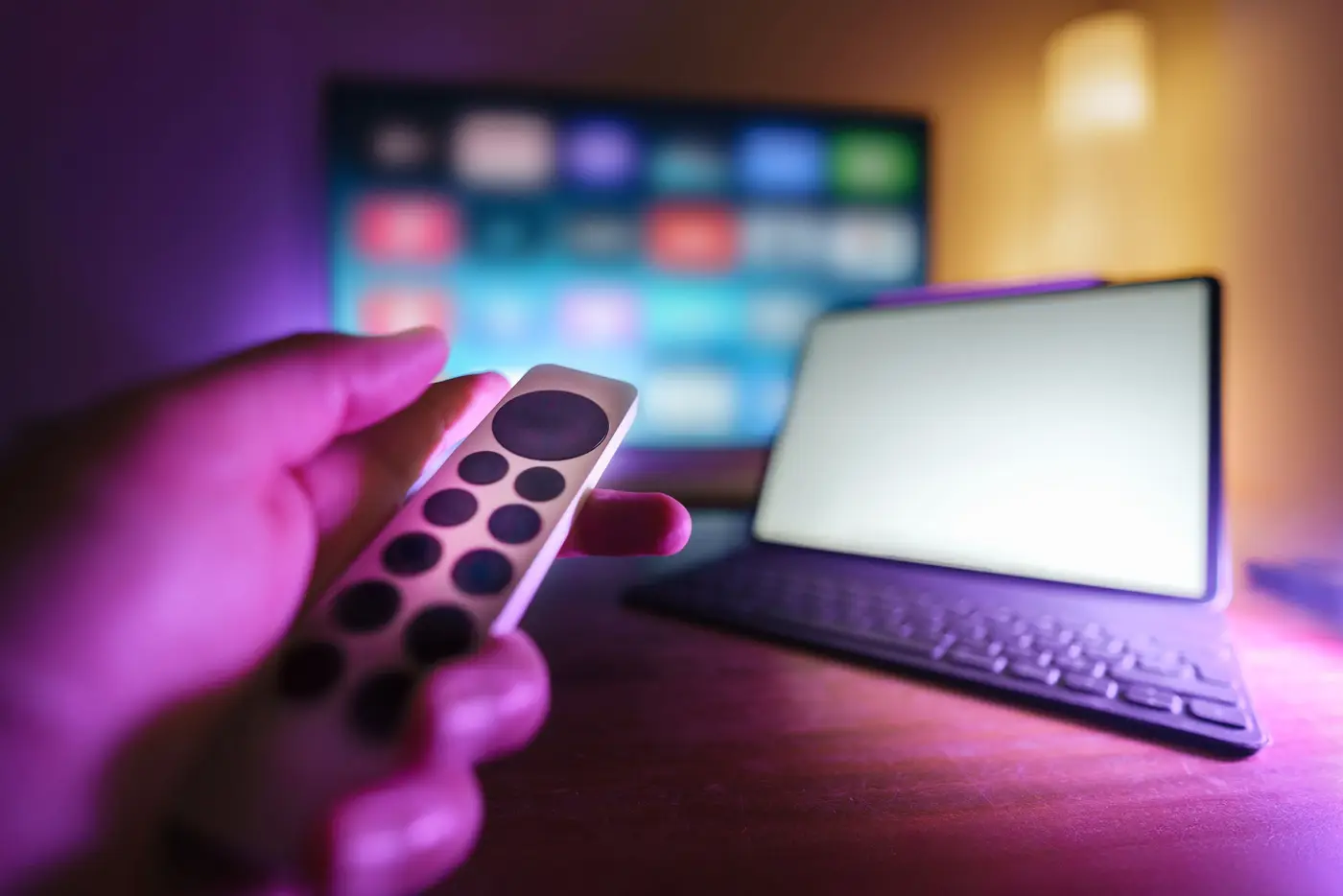
Setting up IPTV takes about ten minutes on most devices. You install a player app, enter the login we send, and wait a minute while the channel list and TV guide load. The right app depends on your device, so each guide below names the one we suggest and gives the steps.
- Most installs: app store, login, done
- Fire TV and some boxes need one extra step to sideload an app
- We help in the chat if you get stuck
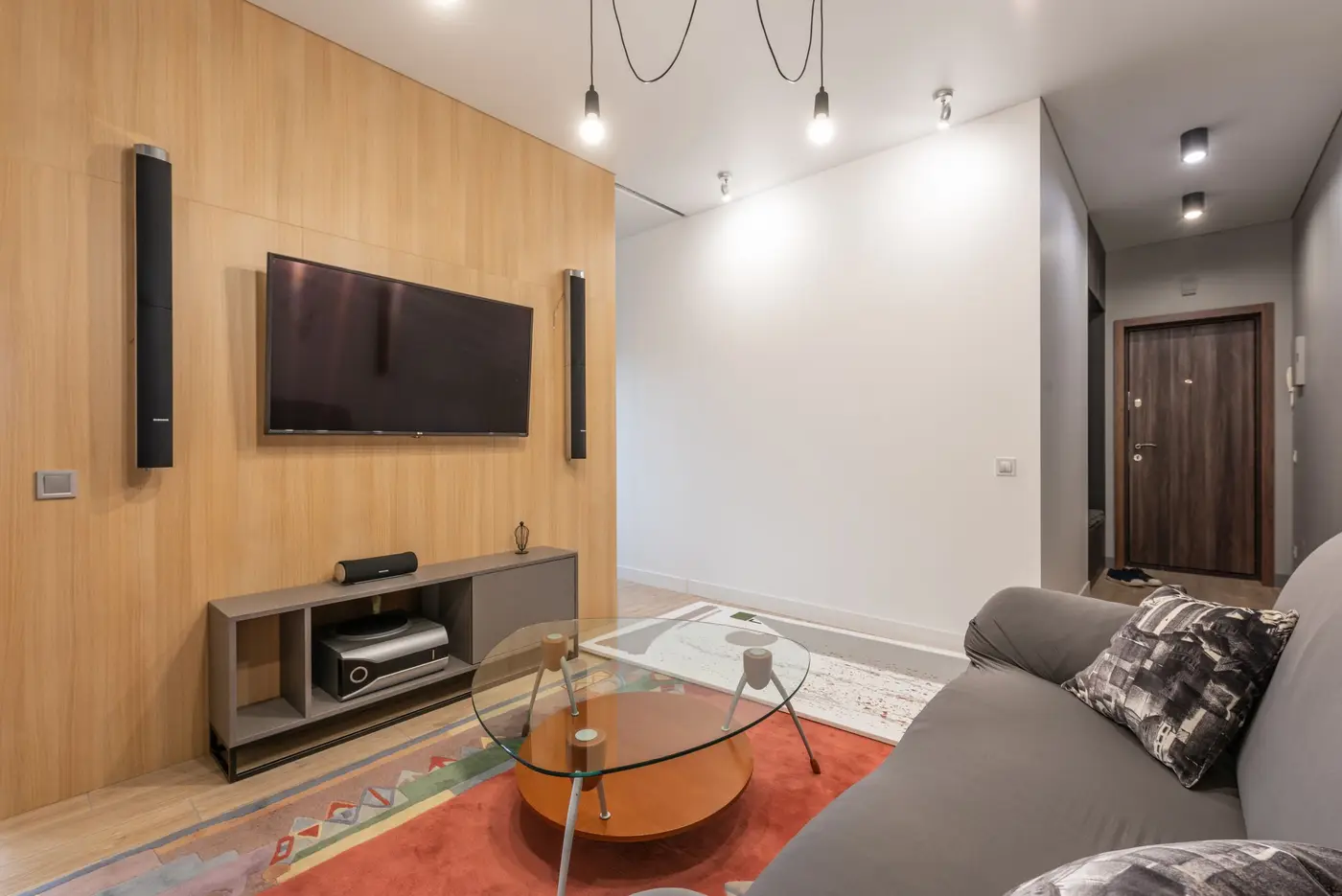


Before you begin
A device connected to your TV (or the TV itself, if it is a smart TV), internet of at least 10 Mbps for HD, and the login we send by chat. For 4K, plan for about 25 Mbps per stream.
Which device gives the best result?
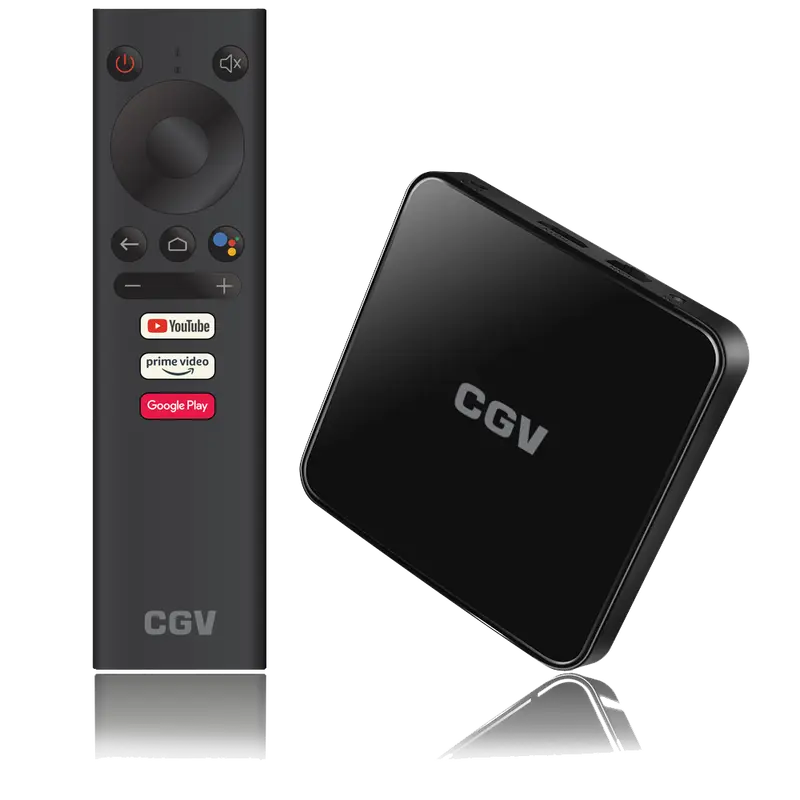
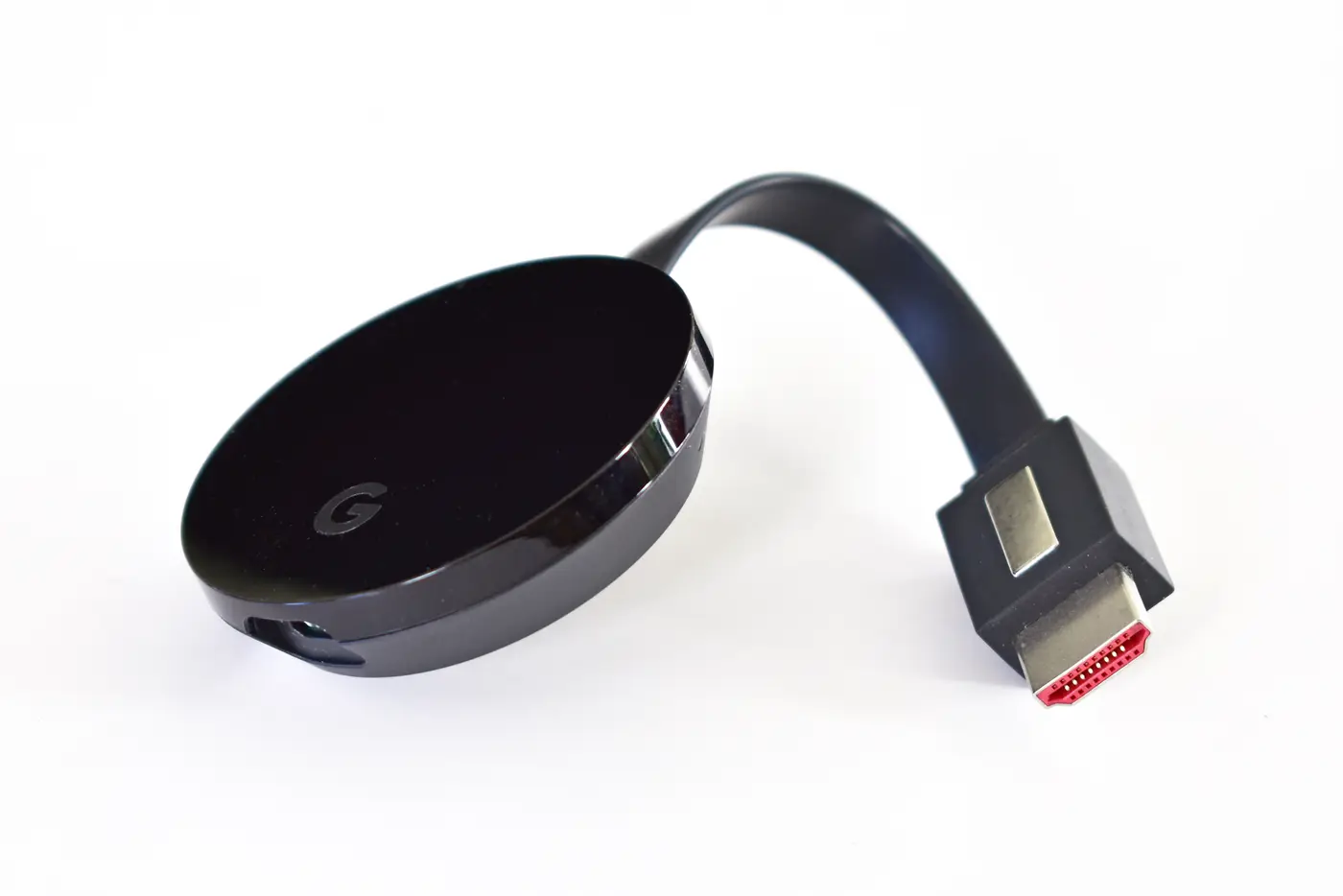
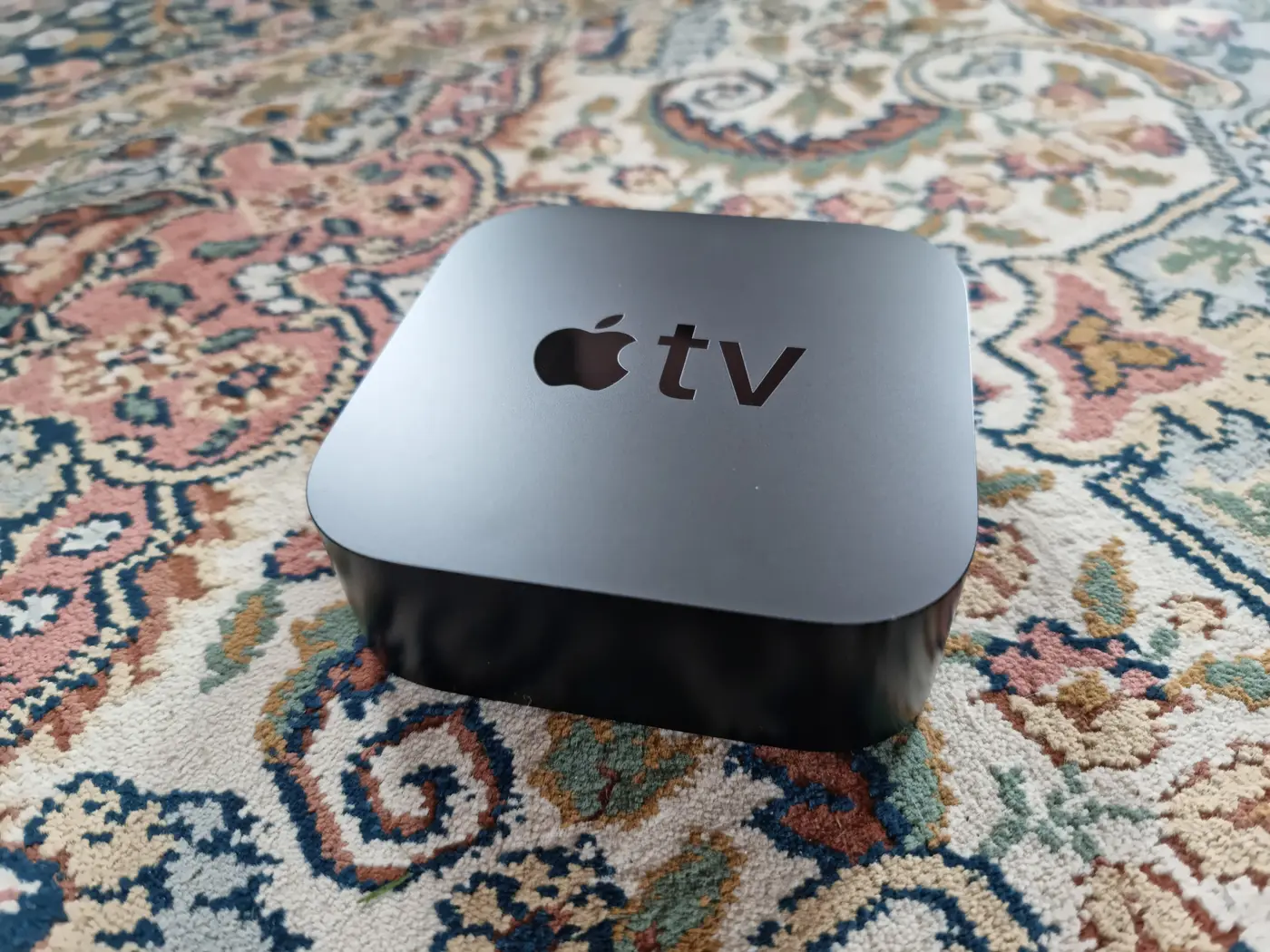
A recent Android TV box or Google TV device with TiviMate gives the most complete TV-guide experience. Samsung and LG TVs work well with TV apps such as IBO Player. Apple TV works, with fewer app choices.
Questions people ask
How long does the setup usually take?
About ten minutes, plus a minute or two for the TV guide to load the first time.
Do I need a VPN?
Not to use the service. Our VPN page explains what a VPN does and does not change.
Can you do the setup for me?
We guide you step by step in the chat, with screenshots if needed.
See also
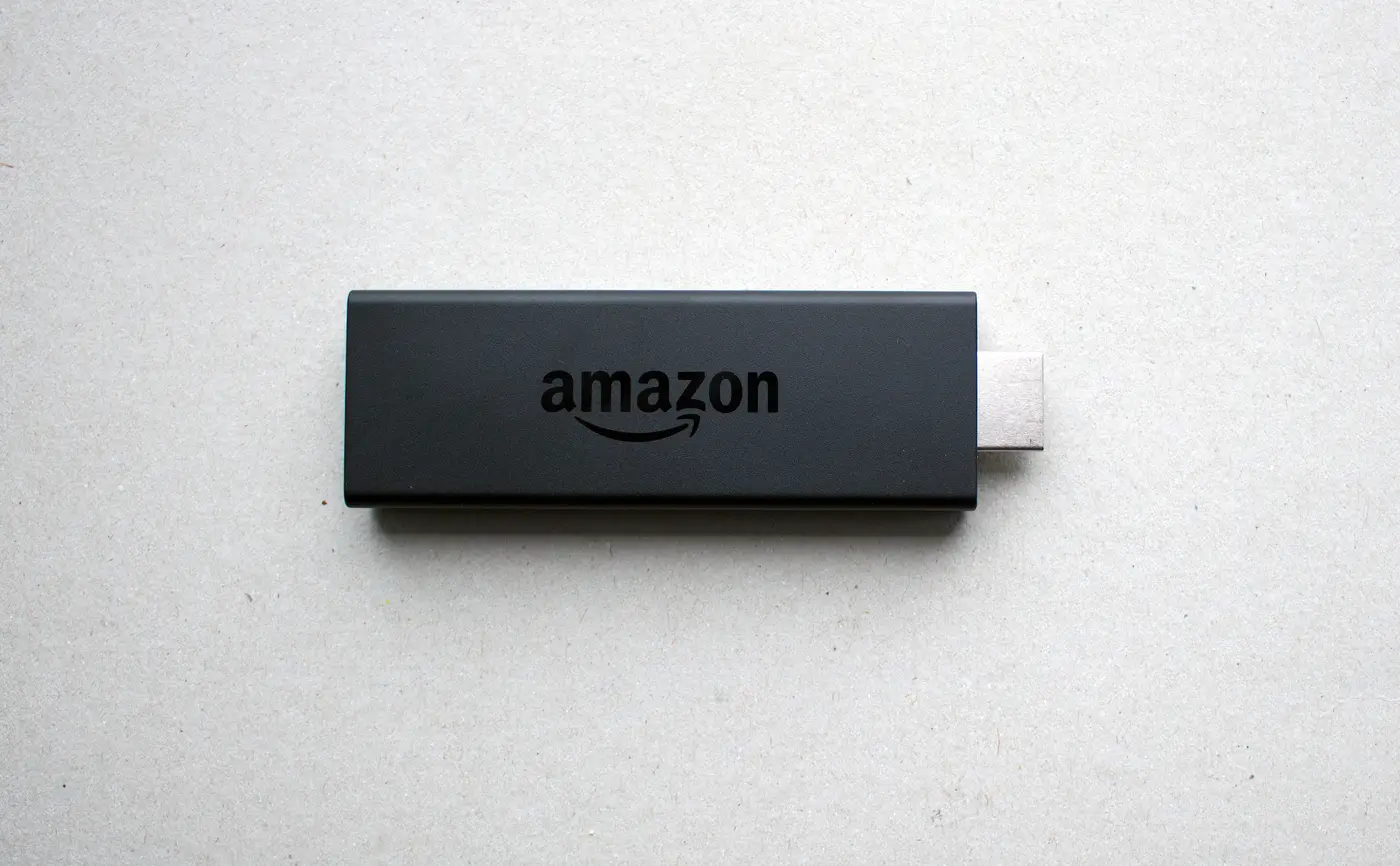
- Fire TV StickTo use IPTV on a Fire TV Stick, install a player app, enter your login and let the channel list load.
- Samsung TVSamsung's Tizen system cannot install Android apps, so TiviMate is out.
- AppsThe best IPTV player depends on your device.
- Help centreMost IPTV problems have a short list of causes: the connection, the app's settings, or the login.